Main features
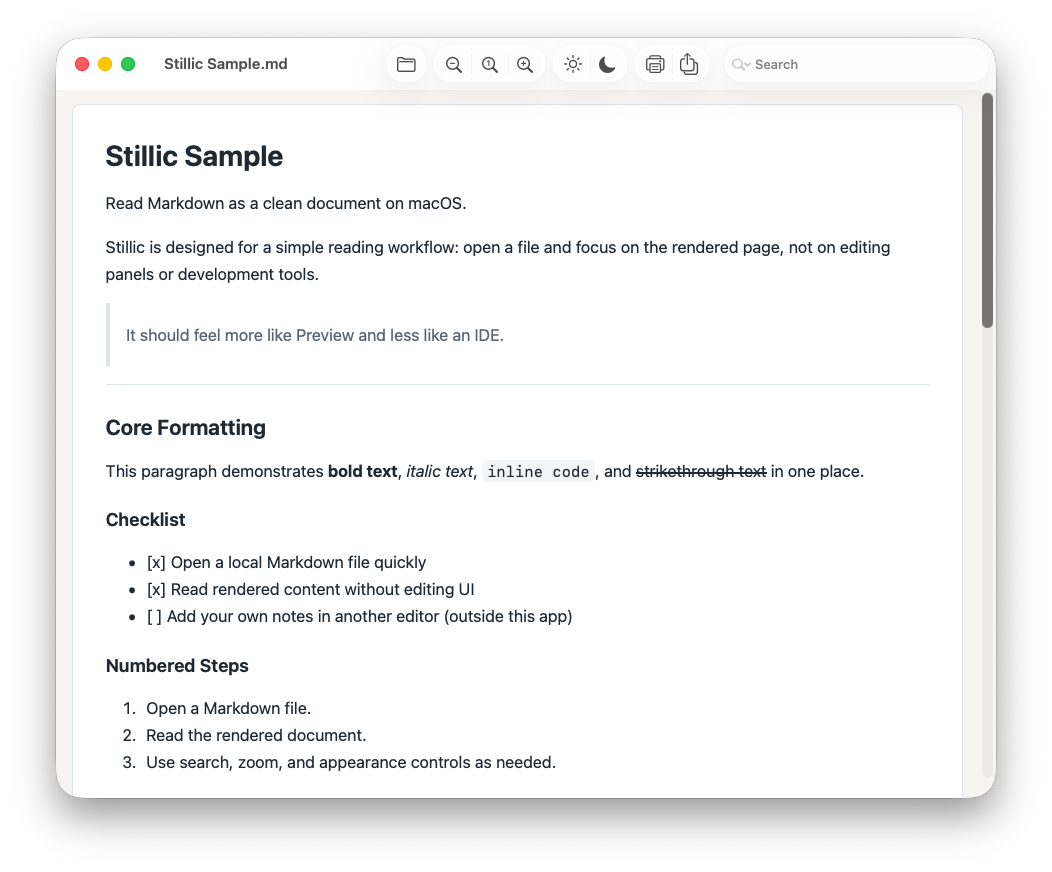
Stillic is designed for a straightforward reading workflow. Open a file and read it immediately as a rendered document.
- One document per window, with no raw source pane and no editing interface
- Local-first Markdown rendering, without uploading documents to external servers
- Support for headings, lists, tables, links, images, code blocks, and other common Markdown elements, with optional syntax highlighting
- Text selection, in-document search, zoom controls, and light/dark appearance switching
- Adjustable document typeface and density, with background, window size, and toolbar size options
- Drag-and-drop file opening, recent files, printing, and PDF export
Download and install
- Open the GitHub Releases page
- Download the latest macOS ZIP release
- Open the ZIP file and drag Stillic.app into Applications
Support
- GitHub repository and issue tracker: github.com/naohide-yamamoto/stillic
- Support email: [email protected]